
Welcome Godik
Welcome to Godik’s intranet on Team Driver, a new way for co-workers to interact, share and collaborate.
Click the button above to download the Team Driver app today and join your companys intranet.
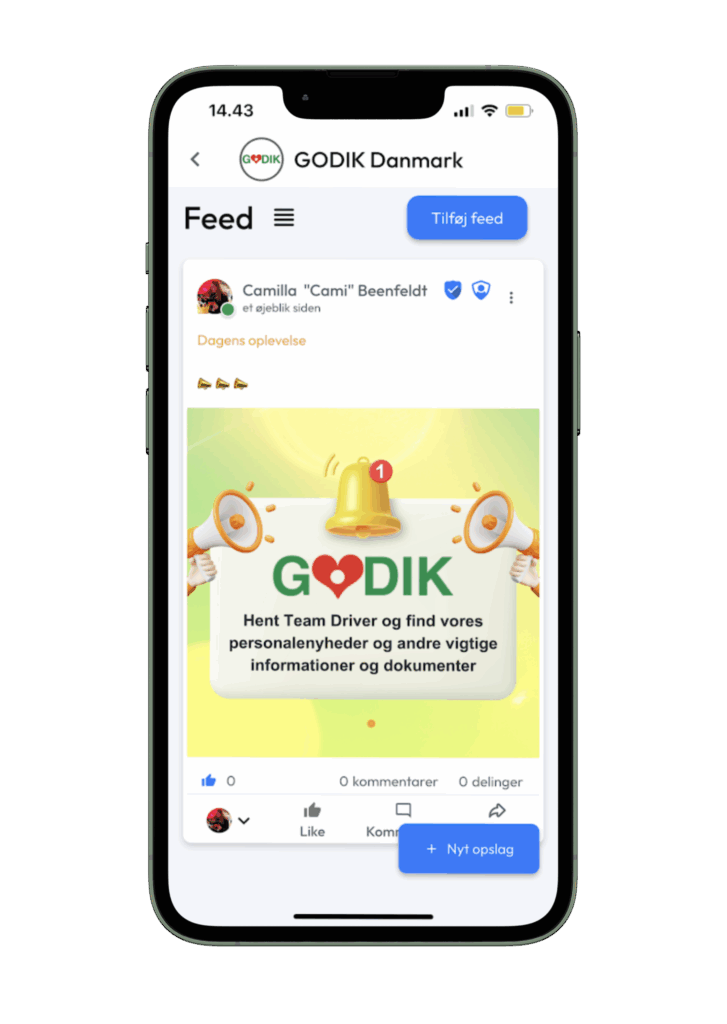
How to Download the Team Driver App
Team Driver is available on both iOS and Android, ensuring you can stay connected no matter your device preference. Follow these simple steps to get started:
- Visit the App Store or Google Play: Search for “Team Driver” in your preferred app store.
- Download the App: Click on “Download” or “Install” to begin the process.
- Create Your Profile: Follow the instructions to set up your user profile. It only takes a few minutes.
- Explore & Connect: Start exploring the app, make connections, and contribute to the community.
How do i find my company workspace page?
- Open the Team Driver app: If you don’t have the app yet, then download it here: https://teamdriver.app/download
- Find your workspace: Click on your profile picture in the top right corner of the app
- Select Workspace: Click the button “Workspace”, and select or search for your company’s workspace page.
Note: If you don’t know the code for the workspace page, then contact the administrator of the page.
 English
  Danish